

AI second brain: a three-note workflow for your next draft
Contents

Your AI second brain
Keep the source. Check the answer.
You remember a good detail from last week. It would make a perfect opening, if you could find where you put it. A small AI second brain can help with that ordinary problem: keep a few findable notes, select the ones a draft needs, and use an assistant to work with them. Start with one writing task and three notes.
Use Obsidian as the notebook, then make one deliberate handoff
This workflow is for a writer who already has an Obsidian vault and access to an AI chat they are comfortable using. It uses ordinary notes and manual copy-and-paste. No plugin or connection between the apps is required. Your notes remain in Obsidian. This workflow gives the assistant no direct connection to your vault; you choose which notes to paste.
In Obsidian, create a note with Ctrl+N on Windows/Linux or Cmd+N on macOS, name it, then enter its text. The official note guide documents this and explains that notes are plain-text files. Create the three notes below in your existing vault. Each has the same topic line so you can find the small collection later.
The following notes, events and output are fictional. They show a complete editorial exercise, not a field report or a recorded AI test. In your own notebook, write down where an observation came from while you still remember; do not let an attractive summary replace it.
Capture three small, complete notes
Note title: Repair — café visit
Topic: repair. Recorded: 6 October 2026. Source: my fictional visit to a neighbourhood repair café. Observation: a volunteer put a loose toaster screw in a white saucer before opening the case. I asked why. The volunteer said, “Small parts disappear on this table.” I watched one repair for ten minutes. I did not count repairs or ask whether that toaster was eventually fixed.
Note title: Repair — library workshop
Topic: repair. Recorded: 8 October 2026. Source: my fictional visit to a library mending workshop. Observation: a participant brought a jacket with a torn pocket. The instructor asked the participant to practise a stitch on scrap fabric first. The participant said the practice made starting on the jacket feel less daunting. I did not ask about their sewing experience.
Note title: Repair — next newsletter
Topic: repair. Written: 9 October 2026. My writing decision: next issue is about making a difficult task easier to begin. Use one concrete scene, then one brief comparison. Keep the opening under 120 words. Do not turn two visits into a claim about all repair cafés or libraries. End with a question a reader can try on their own work.
The first two notes preserve observations; the third records what you want to make from them. That separation lets you change the angle without rewriting what happened. A title, date and source are enough for this exercise; elaborate tags and a database can wait.
Retrieve the collection before asking for prose
Open Search with Ctrl+Shift+F on Windows/Linux or Cmd+Shift+F on macOS. Search for the exact phrase "Topic: repair", including the quotation marks. The Search documentation explains exact-phrase matching. Open the three matching notes and check their contents; other notes carrying the same phrase may also appear.
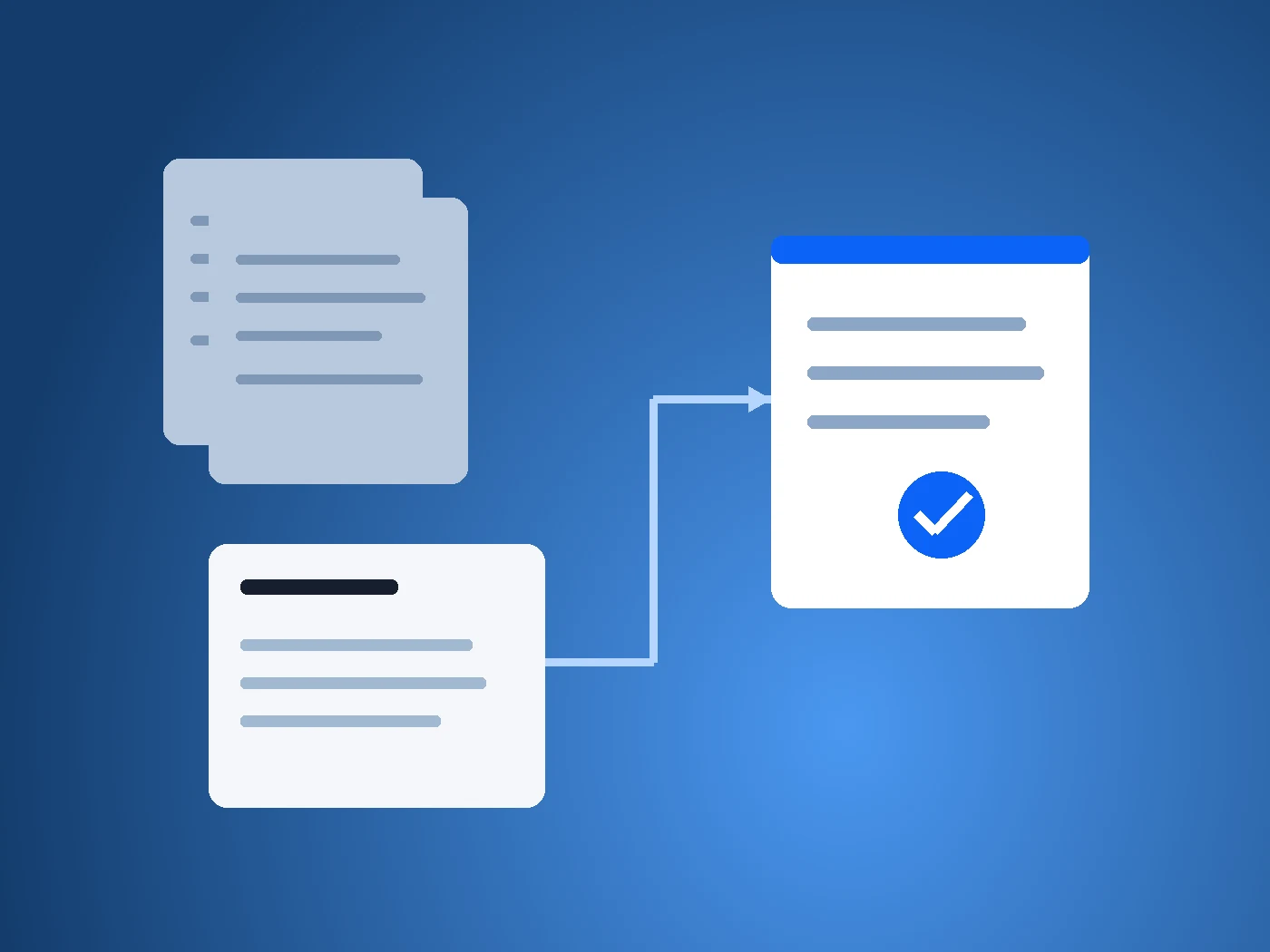
Copy each note’s title and full text into a new AI chat. Paste this instruction above them: “Using only these three notes, write an opening of at most 120 words for my next newsletter. Follow the writing decision in Repair — next newsletter. Keep the observations accurate, avoid invented outcomes or quotations, and end with a practical question. After the draft, give a short source check naming which note supports each scene. Draft only.”
This is manual retrieval: you choose the notes. It is a useful first version because you can see exactly what was supplied. If search finds only two notes, open the missing one yourself or say it is missing. An assistant cannot identify a particular unseen note unless your supplied material mentions it.
A draft you can check against the notes
Here is one constructed response the packet supports:
“Before opening the toaster, the repair-café volunteer put its loose screw in a white saucer. ‘Small parts disappear on this table,’ they said. At a library mending workshop, a participant practised a stitch on scrap fabric before tackling a torn jacket pocket. They said it made starting feel less daunting. One scene makes a tiny part easier to keep; the other makes a first attempt easier to risk. Neither tells us how the repair ended. But both suggest a useful place to look before a difficult task: what small preparation would make beginning easier?”
Source check: Repair — café visit supports the saucer, screw and quotation. Repair — library workshop supports the scrap practice, torn pocket and participant’s comment. Repair — next newsletter supplies the angle, length limit and ending. The comparison between the scenes is the writer’s interpretation, not another observed fact.
The paragraph does not claim that the toaster worked, the jacket was finished or a programme improved outcomes. Those would be interesting details to collect next time, not details to invent now.
Put the useful result back where you can find it
Create another Obsidian note titled Repair — newsletter draft. Paste the draft and source check into it. Add “Status: draft; not published” and the three source-note titles. Do not add the exact Topic: repair line to this draft if you want the original search to remain a source-note search.
Now close the loop with a short editorial decision in that same draft note: “Keep the saucer opening. Check the quoted wording against my original record before publishing. Next reporting question: what happened to the items after the visits?” That is the reusable result: a draft, its trail back to your notes, and a reason to collect one useful follow-up.
For your next issue, repeat the sequence with another topic. Keep a collection only if it helps you retrieve material or finish work. If finding and checking three notes already solves the problem, you do not need to import your entire archive. Automatic retrieval becomes worth exploring when repeated manual selection is the actual burden.
If your task involves competing records rather than combining observations, the complete AI briefing example shows how to explain their status. For this personal workflow, the next step is smaller: save three notes for something you intend to write, and see whether you can make a useful paragraph from them.
Prepared by HeyBrain Editorial Team with AI assistance. Obsidian’s linked documentation was checked on 12 October 2026. The notes and response are fictional teaching examples; this is a documented manual workflow, not a claim of a tested Obsidian–AI integration.